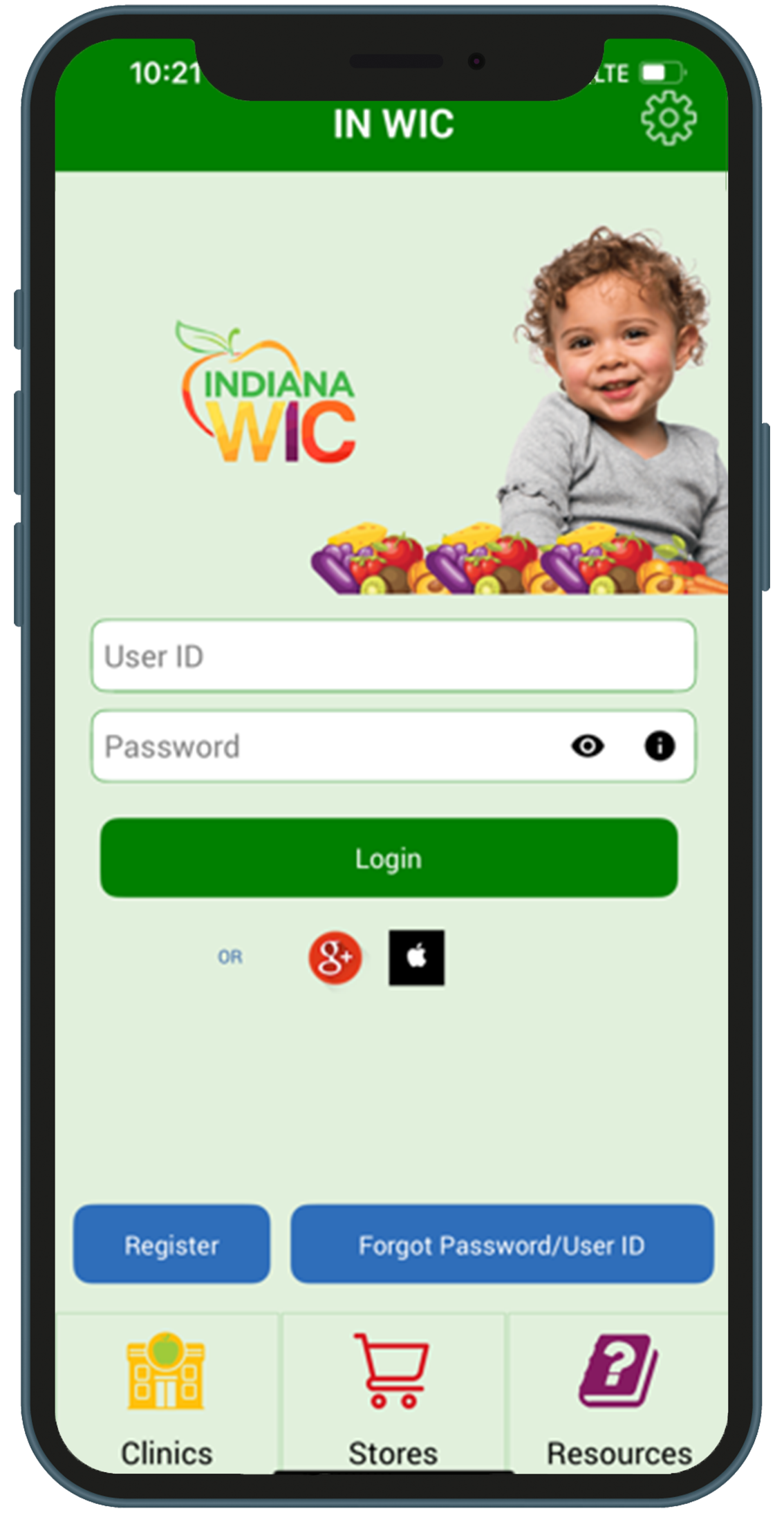
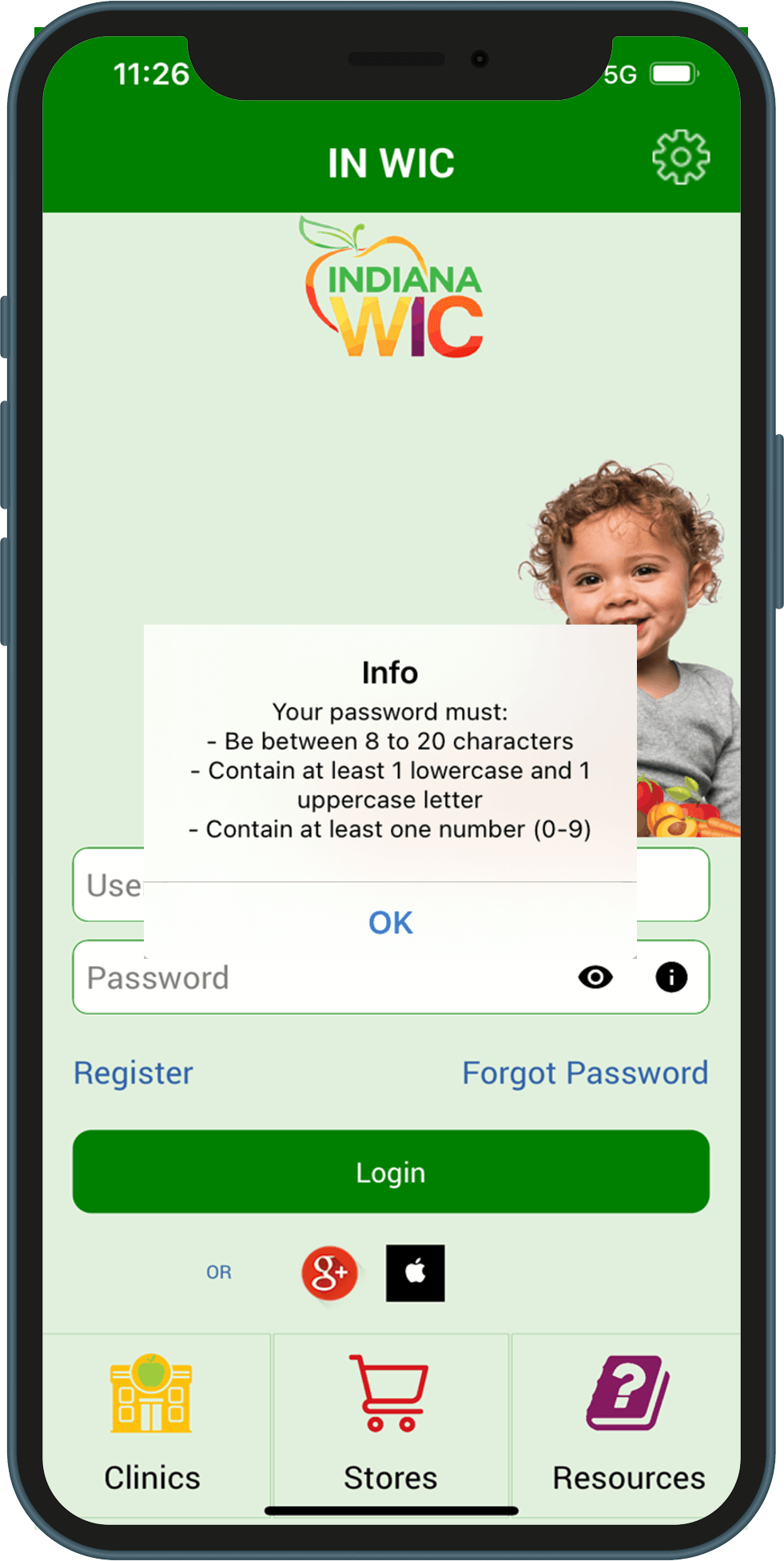
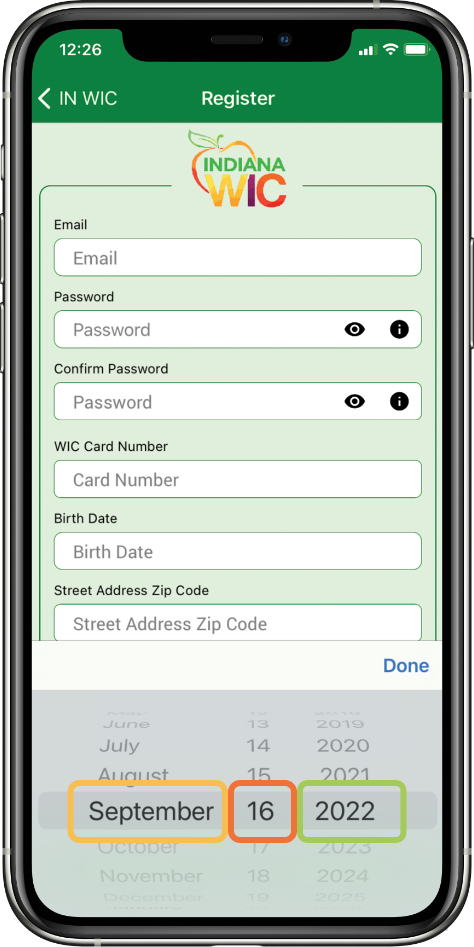
Indiana Special Supplemental Nutrition Program for Women, Infants, and Children (INWIC, အင်ဒီးယားနားပြည်နယ် အမျိူးသမီးများ၊ နို့စို့ကလေးငယ်များ နှင့် ကလေးငယ်များအတွက် အထူးဖြည့်စွက်အာဟာရ ထောက်ပံ့မှု အစီအစဉ်) မိုဘိုင်းအက်ပ်ကို ဒေါင်းလုဒ်လုပ်ရန်-
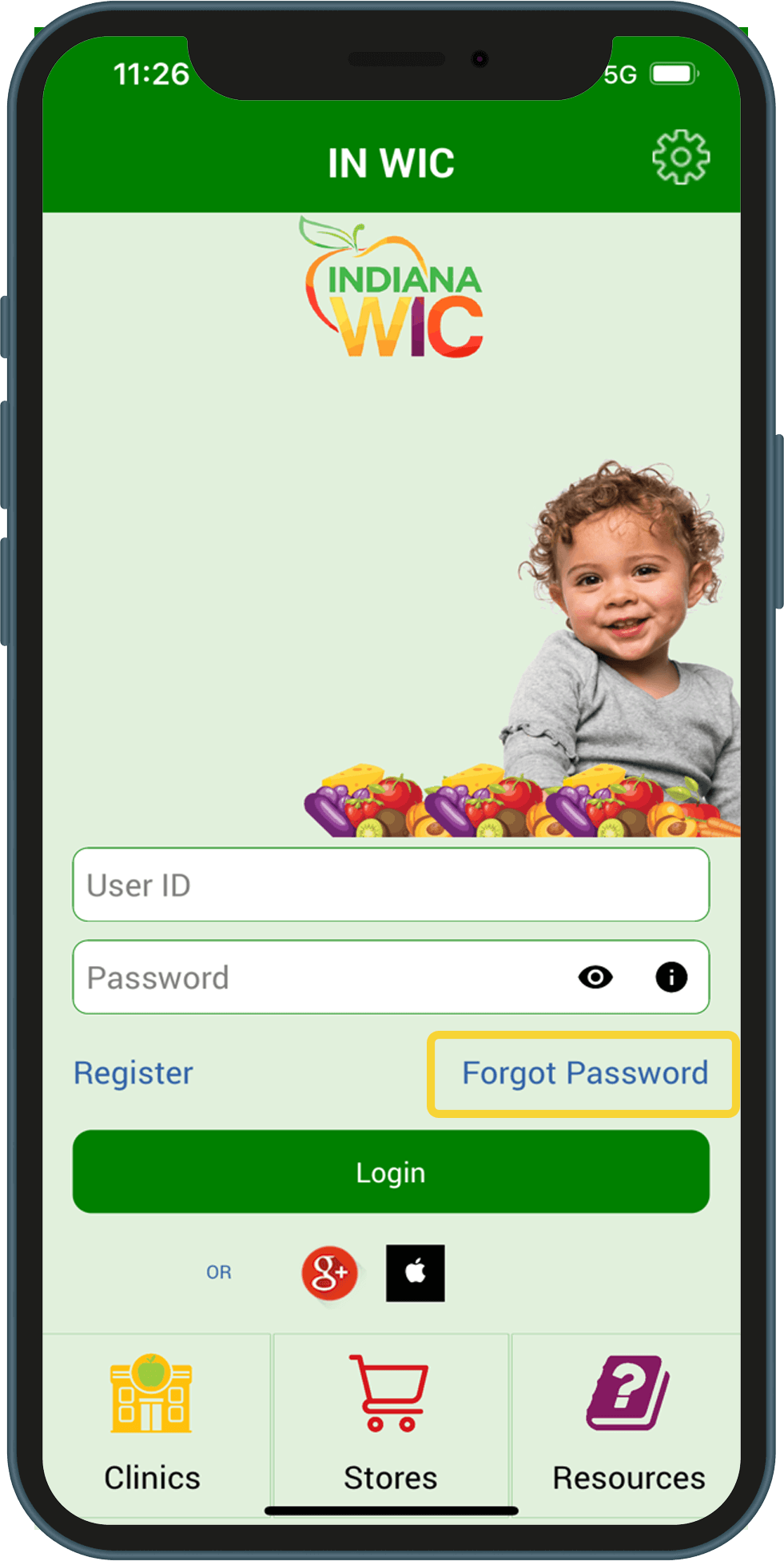
Google Play သို့မဟုတ် App Store တွင် Indiana WIC သို့မဟုတ် IN WIC ကို ရှာပါ
You may register and log in to the INWIC Mobile App using Google+ or Apple ID accounts.
1.On the login page, tap the icon for either Google+ or Apple ID and follow the prompts to enter the requested information.
2.The first time you login with Google+ or Apple ID, you will be prompted to enter your Indiana WIC account information. This registers the account with the Indiana WIC Household record.
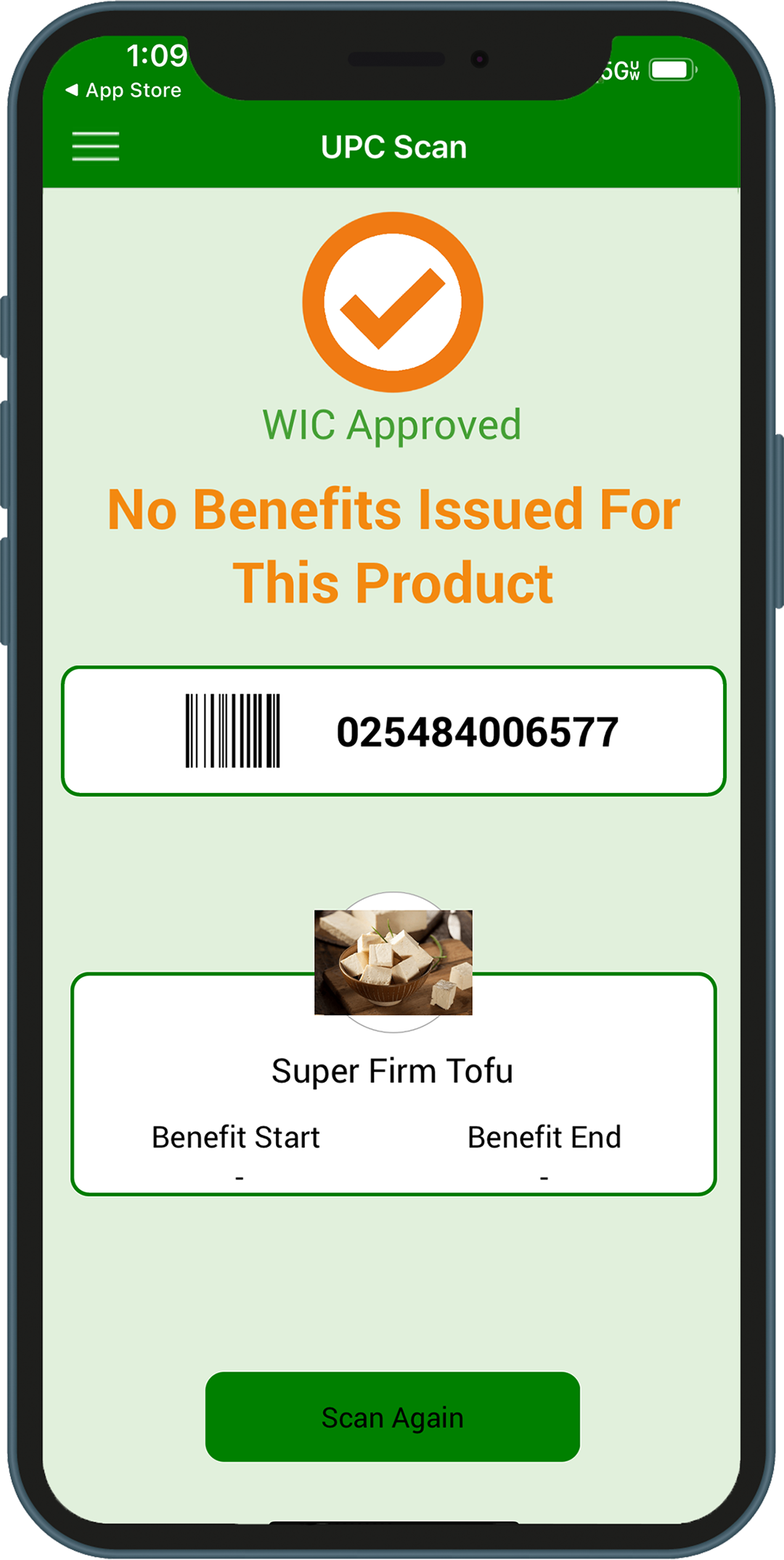
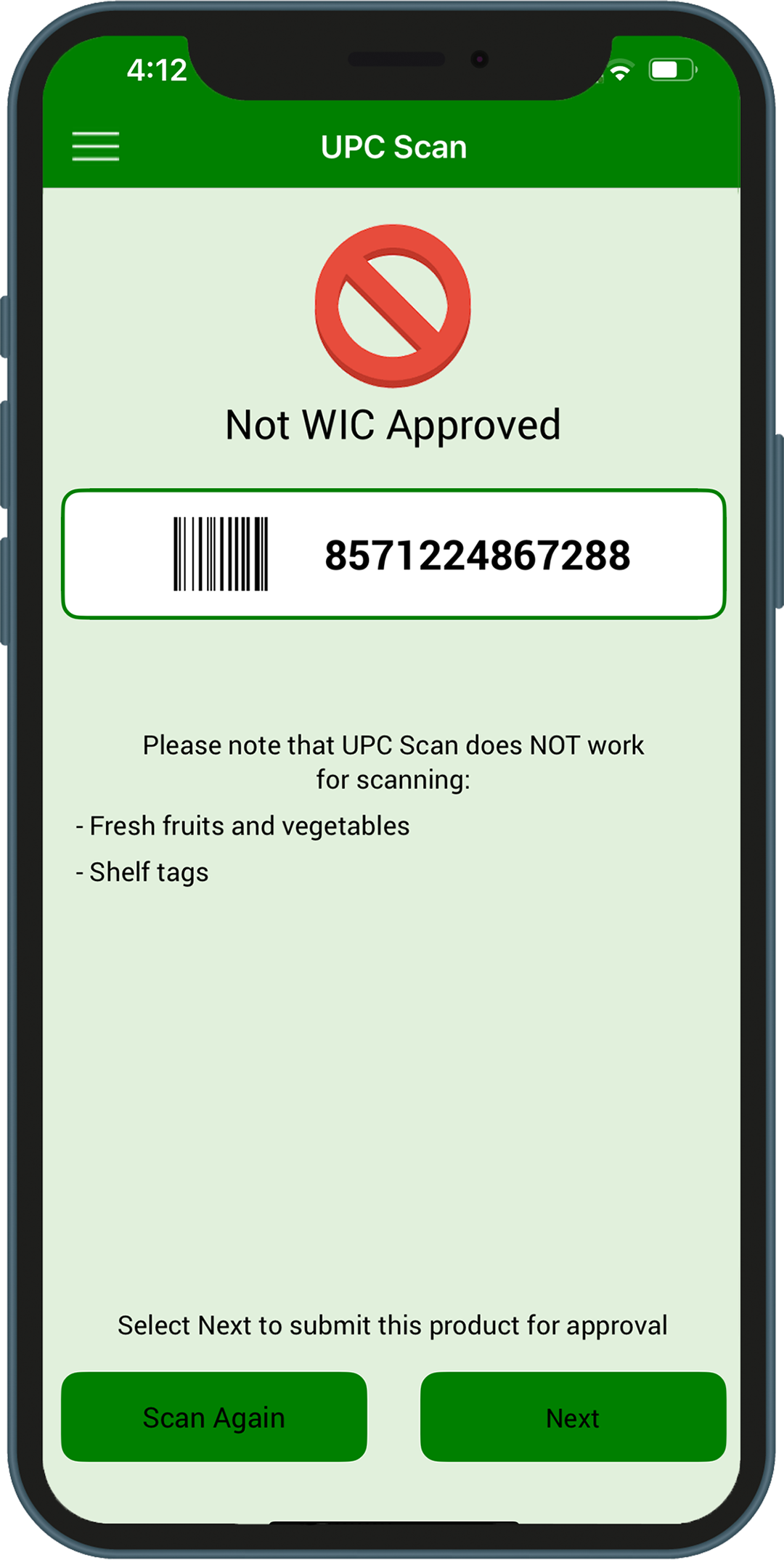
Food items that scan as not WIC approved but are believed to be WIC approved can be submitted to the State WIC vendor team directly through the INWIC Mobile App for review to be added to the WIC approved product list.
From the UPC Scan Not WIC Approved screen, tap Next to begin. Follow the steps in the mobile app to submit the UPC:
Take four pictures of the food item - Product (front of the package) - Package size - Nutrition facts - Ingredients
Enter a product description and then tap the Submit button
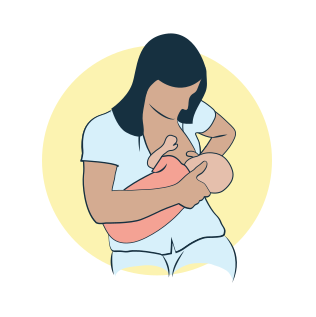
For the right breast, lie on your right side with your baby facing you.
Pull your baby close. Your baby’s mouth should be level with your nipple.
In this position, you can cradle your baby’s back with your left arm and support yourself with your right arm and/or pillows.
Keep loose clothing and bedding away from your baby.
Reverse for the left breast.
This hold is useful when:
You had a C-section
You want to rest while baby feeds
You are breastfeeding in the middle of the night
You and your baby are comfortable in this position
Cross-Cradle Hold
For the right breast, use your left arm to hold your baby’s head at your right breast and baby’s body toward your left side. A pillow across your lap can help support your left arm.
Gently place your left hand behind your baby’s ears and neck, with your thumb and index finger behind each ear and your palm between baby’s shoulder blades. Turn your baby’s body toward yours so your tummies are touching.
Hold your breast as if you are squeezing a sandwich. To protect your back, avoid leaning down to your baby. Instead, bring your baby to you.
As your baby’s mouth opens, push gently with your left palm on baby’s head to help them latch on. Make sure you keep your fingers out of the way.
Reverse for the left breast.
This hold is useful when:
Your baby is premature
Your baby has a weak suck
Your baby needs help to stay latched
Your baby needs extra head support
You and your baby are comfortable in this position
Clutch or “Football” Hold
For the right breast, hold your baby level, facing up, at your right side.
Put your baby’s head near your right nipple and support their back and legs under your right arm.
Hold the base of your baby’s head with your right palm. A pillow underneath your right arm can help support your baby’s weight.
To protect your back, avoid leaning down to your baby. Bring baby to you instead.
Reverse for the left breast.
This hold is useful when:
You had a C-section
You have large breasts
You have flat or inverted nipples
You have a strong milk let-down
You are breastfeeding twins
Your baby likes to feed in an upright position
Your baby has reflux
You and your baby are comfortable in this position
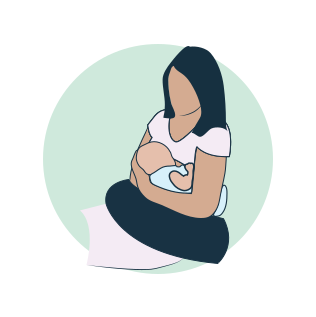
Cradle Hold
For the right breast, cradle your baby with your right arm. Your baby will be on their left side across your lap, facing you at nipple level.
Your baby’s head will rest on your right forearm with your baby’s back along your inner arm and palm.
Turn your baby’s tummy toward your tummy. Your left hand is free to support your breast, if needed. Pillows can help support your arm and elbow.
To protect your back, avoid leaning down to your baby. Instead, bring your baby to you.
Reverse for the left breast.
This hold is useful when:
Your baby needs help latching on
You and your baby are comfortable in this position
Laid-Back Hold
Lean back on a pillow with your baby’s tummy touching yours and their head at breast level. Some moms find that sitting up nearly straight works well. Others prefer to lean back and lie almost flat.
You can place your baby’s cheek near your breast, or you may want to use one hand to hold your breast near your baby. It’s up to you and what you think feels best.
Your baby will naturally find your nipple, latch, and begin to suckle.
This hold is useful when:
Your baby is placed on your chest right after birth
You have a strong milk let-down
You have large breasts
You and your baby are comfortable in this position